> For the complete documentation index, see [llms.txt](https://wiki.tribute.tg/llms.txt). Markdown versions of documentation pages are available by appending `.md` to page URLs; this page is available as [Markdown](https://wiki.tribute.tg/for-content-creators/creators-page.md).
# Creator’s Page
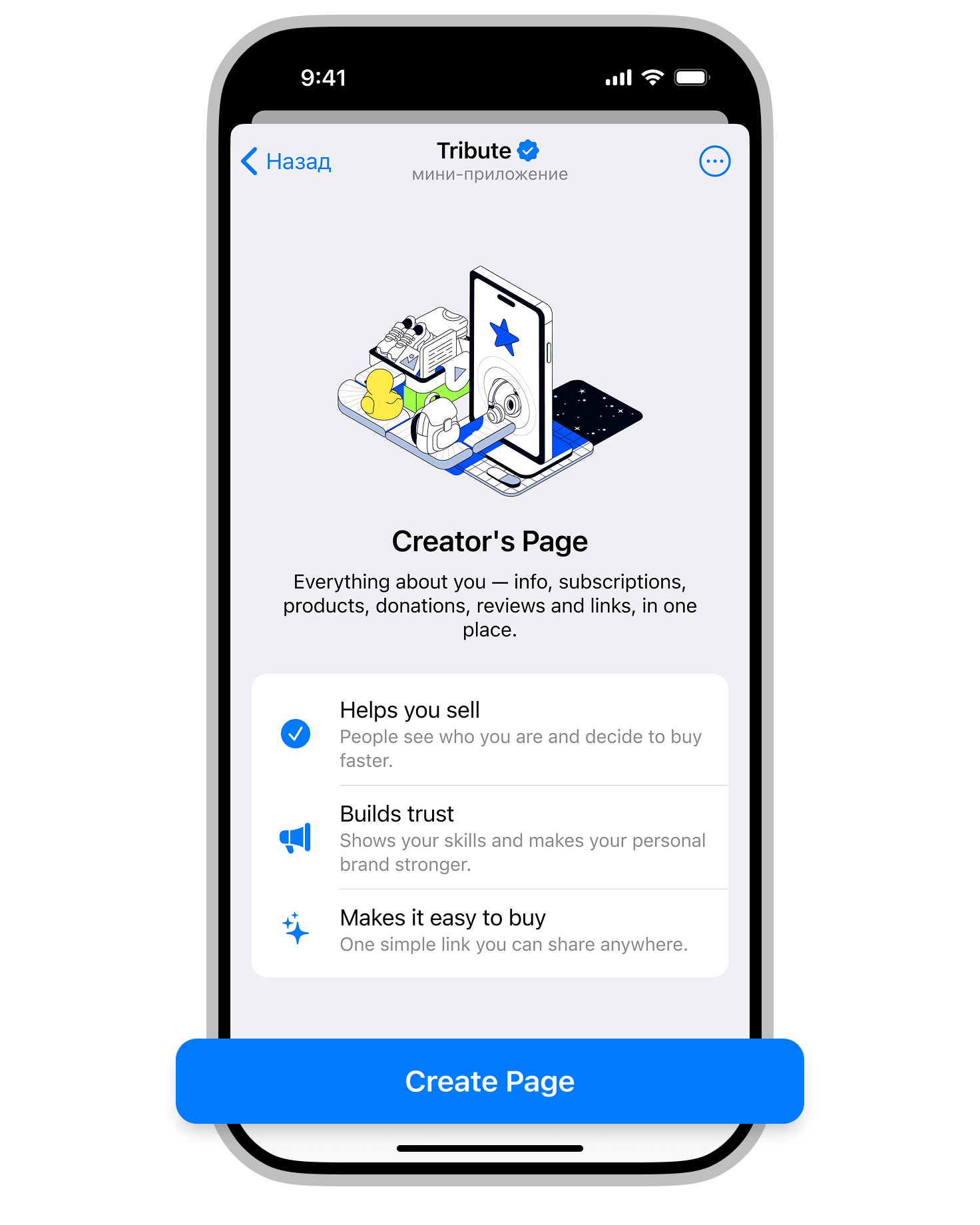
We’ve added the ability to add your Creator’s Page.
With this new feature, all key information is gathered in one place: the creator’s photo or video and bio, subscriptions, products, donations, social media links, and reviews. Everything is neatly organized and easy for your subscribers to use.
#### Why is this useful?
* To simplify sales
* To increase visibility
* To give your audience an easy way to support you
#### How to add Creator’s Page
1. Open the Creator’s Page section.
2. Click Create Page.
3. Fill in the required sections and click Preview.
4. Like what you see? Click Save.
5. It’s time to share your page!
* Click the “Share” button to quickly publish it to your Telegram channel
* or go to “Links” and copy the Telegram link or web link to share it on any platform.
Creator’s page can be edited at any time after publication.