> For the complete documentation index, see [llms.txt](https://wiki.tribute.tg/llms.txt). Markdown versions of documentation pages are available by appending `.md` to page URLs; this page is available as [Markdown](https://wiki.tribute.tg/for-content-creators/private-chats.md).
# Private Chats
Private Chats are a tool for paid communication with your audience inside [Tribute.](https://t.me/tribute/app?startapp=lL2NyZWF0b3IvcHJvZHVjdHM_utm_us_website_um_owned_ucp_private-chats_uc_wiki_ut_eng)\
This feature allows creators to have one-on-one conversations with users and use them as a separate monetization format.
A chat with a creator can be used for:
* personal feedback or reviews
* answering audience questions
* a premium subscription tier where users can ask the creator a set number of questions
* private consultations
#### Chat Scenarios
1. **Paid Dialogues**\
A user pays for access to the chat and communicates with you for a limited time. If they want to continue the conversation, they pay for a new dialogue.
2. **Paid message for everyone**\
Any user can message the creator via a link,\
but they must pay before sending the message.
3. **Free message → paid reply**\
A user can send a message for free,\
and the creator can reply with a paid message.
The reply can include additional materials, such as:
* photos
* files
* an image with a written response
The content becomes available only after the user completes the payment.
4. **Paid messages for subscribers only**\
Only subscribers can message the creator,\
and each message must be paid for before it’s sent.
5. **Free message for subscribers → paid reply**\
Subscribers can message the creator for free,\
and the creator can send a paid reply.
#### Additional Features
**Changing the message price**
During a conversation, the creator can adjust the price of the next messages.
This is useful if the conversation turns into:
* a consultation
* a personal review
* a longer discussion
This feature works when a message includes:
* a photo
* an image
* a screenshot with a written response
Chat history is saved, and the paid content scenario can be changed at any time.
#### How to create a Private chat
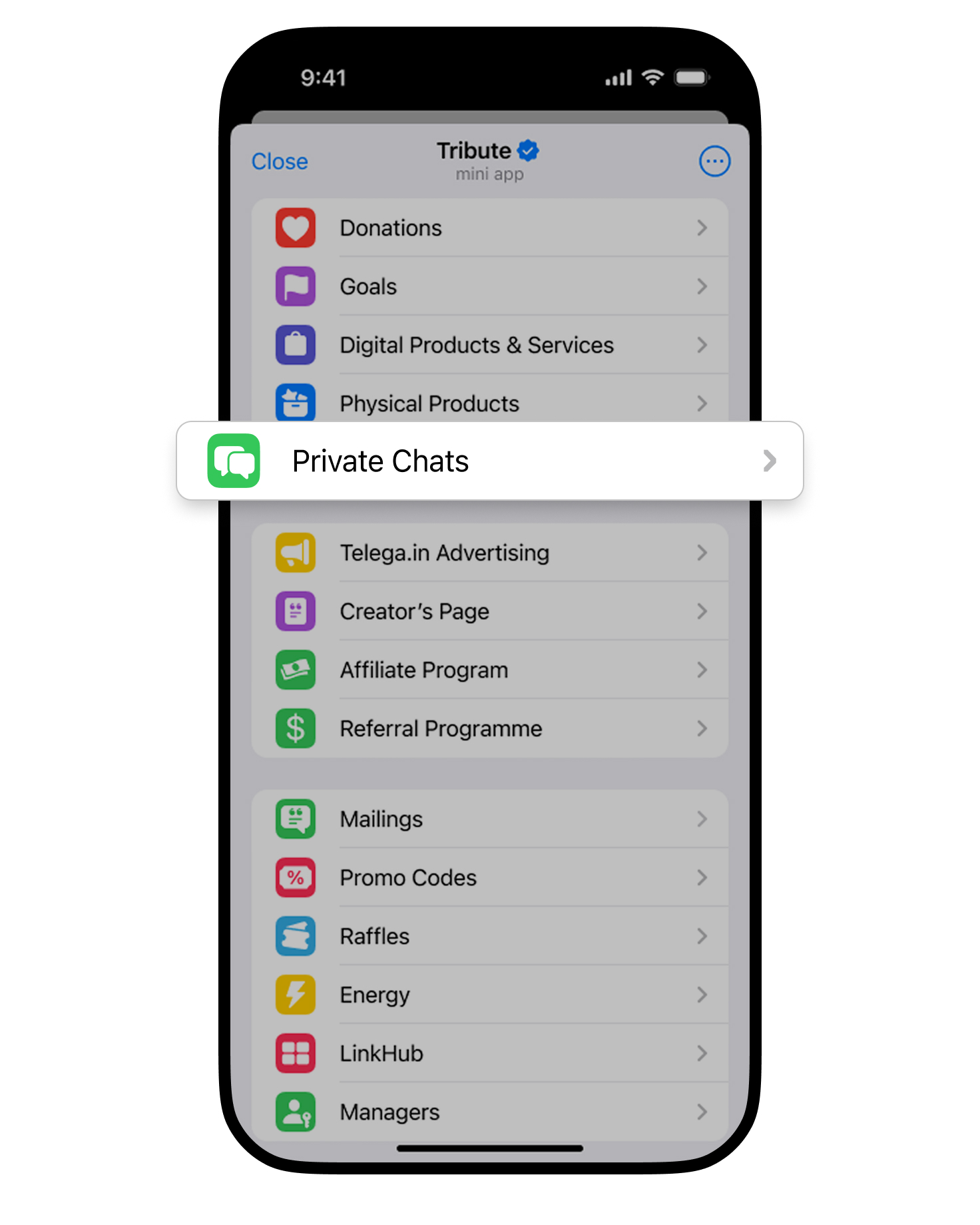
1. Go to the **Private Chats** section in the creator profile.
2. Click **Set up**.
3. Fill in the chat details:
* Name
* Welcome message
4. Choose whether a subscription is required to access the chat.\
If required, select it from the list.
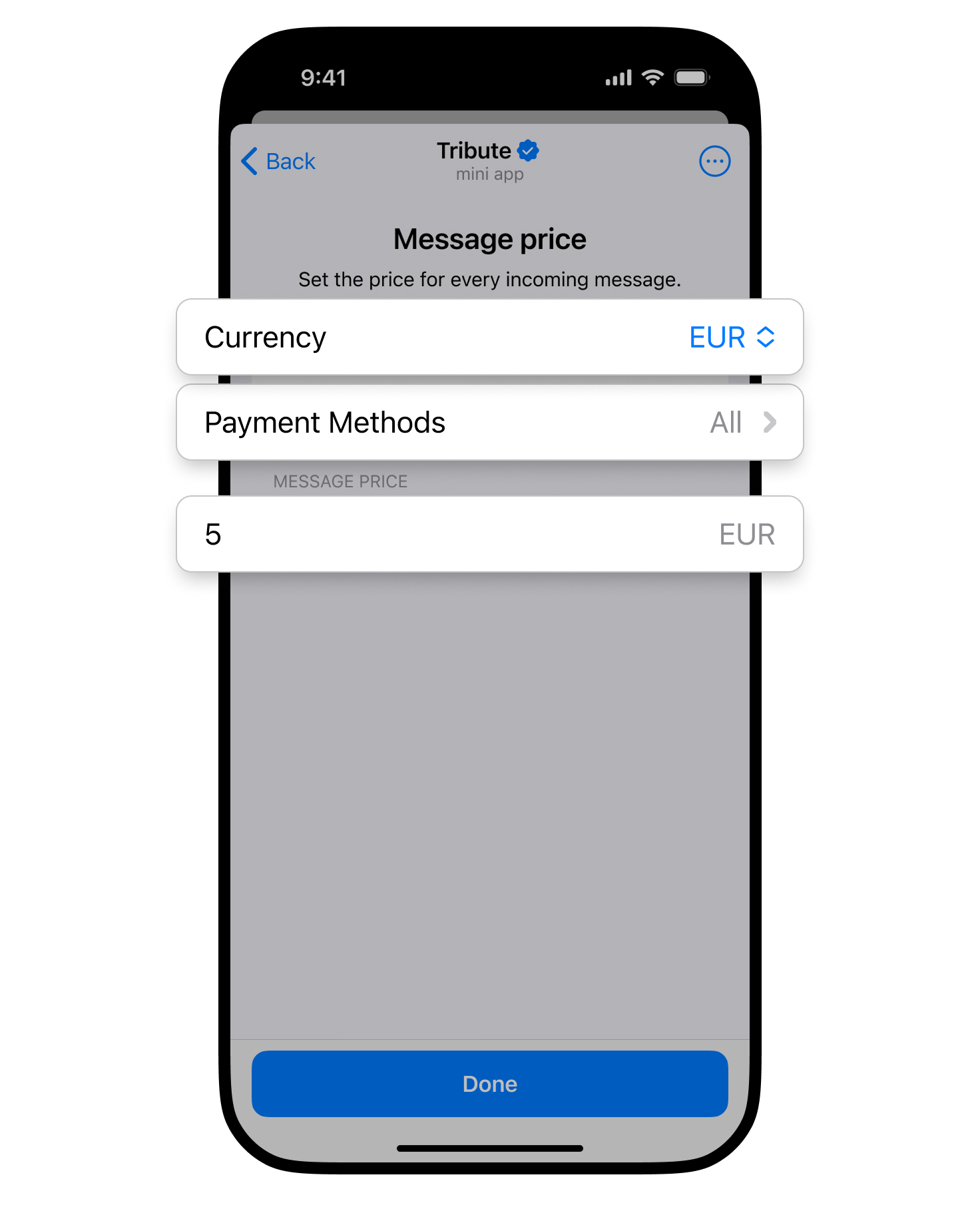
5. Set up payment settings: currency, price, and payment methods.
6. Click **Done**.
7. Once the chat is created, share the link with your audience.