> For the complete documentation index, see [llms.txt](https://wiki.tribute.tg/llms.txt). Markdown versions of documentation pages are available by appending `.md` to page URLs; this page is available as [Markdown](https://wiki.tribute.tg/for-content-creators/subscriptions/firstmonth-more-expensive.md).
# Higher Price for the First Subscription Period
We’ve added a new feature that allows creators to set a higher price for the first billing period of a subscription.
Example:
* First month — 100 €
* Second and subsequent months — 50 €
Subscribers will see the correct pricing directly in the interface and can pay through Tribute.
### Who This Is Useful For
#### Course creators
You can make the first month more expensive (for example, to cover the cost of access to course materials), while keeping later months cheaper to improve retention.
#### Creators whose value is concentrated in the first moments
For example, if you offer access to cheap tickets, flash deals, early releases, or other time-sensitive benefits, the subscription provides immediate value from day one.
### How to Enable It
1. Open Subscriptions in your creator profile.
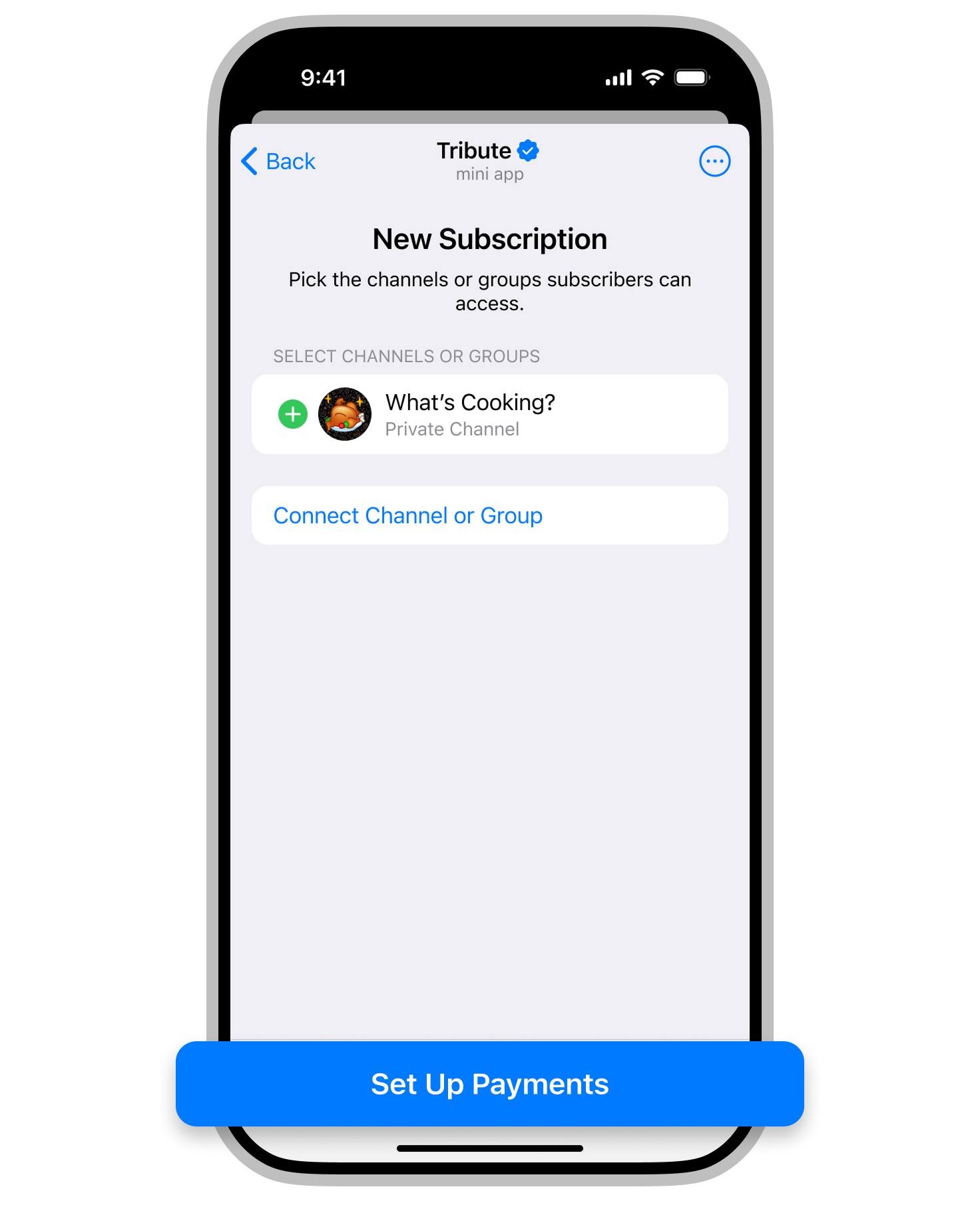
2. Click New subscription and add channels or groups.
3. Click Set up Payments.
4. Select Add Period.
5. Choose the billing frequency and price.
6. In the First month section, select “More expensive”.
7. Enter the desired price for the first month.
8. Save your changes.
\