> For the complete documentation index, see [llms.txt](https://wiki.tribute.tg/llms.txt). Markdown versions of documentation pages are available by appending `.md` to page URLs; this page is available as [Markdown](https://wiki.tribute.tg/for-content-creators/payouts.md).
# Payouts
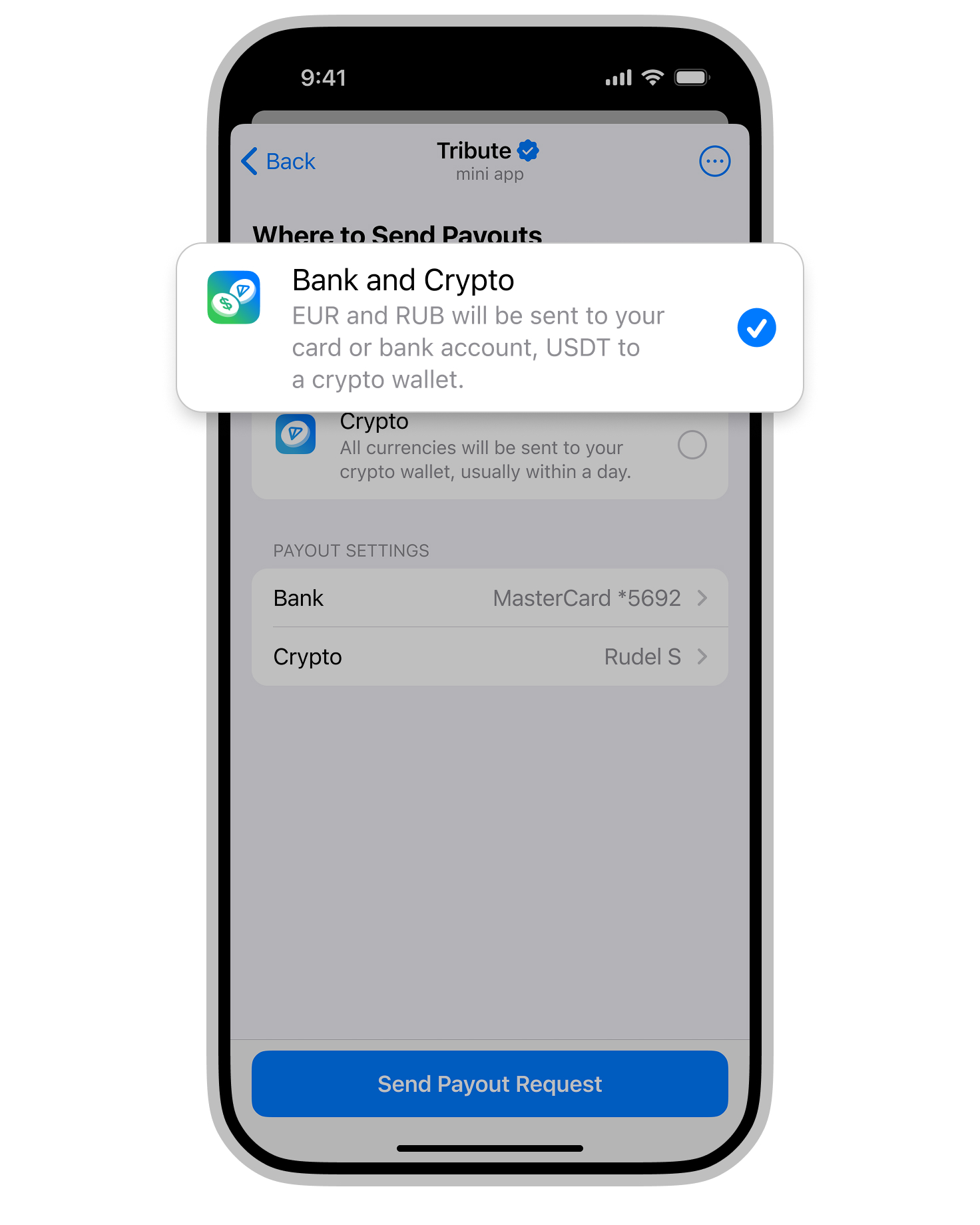
The funds you earn through Tribute can be withdrawn once you reach the minimum payout threshold. Cryptocurrency can be withdrawn to the @wallet crypto wallet, while rubles, euros and dollars can be withdrawn either to a bank card or to the @wallet crypto wallet.
### Minimum payout threshold
{% hint style="info" %}
**The minimum payout threshold in Tribute is 3,000 ₽, 100 €, 100 $, or 100 USDT.**
{% endhint %}
### There are two ways to receive payouts in Tribute:
1. Automatic Payouts
2. On-Demand Payouts 🆕
### 1. Automatic Payouts (Scheduled)
Once the[ minimum payout threshold](#minimum-payout-threshold) is reached, funds are automatically transferred twice a month:
\* On the 25th (or the next business day) — for earnings from the 1st to the 15th of the current month;
\* On the 10th (or the next business day) — for earnings from the 16th to the 31st of the previous month.
The processing time for funds depends on your country and the chosen payout method — it can take from a few days to up to a month.
{% hint style="info" %}
If the [minimum payout threshold ](#minimum-payout-threshold)is not reached during a given period, the funds will accumulate and become available for withdrawal on the next scheduled payout date once the threshold is met.
{% endhint %}
### On-Demand Payouts
Now, once you reach the [minimum payout threshold](#minimum-payout-threshold), a "Request Payout" button will appear in your Creator Dashboard under the payouts section. You can then submit a manual payout request.
This method allows you to receive your earnings twice as fast:
\* From the 16th of the month — for earnings from the 1st to the 15th
\* From the 1st of the month — for earnings from the 16th to the 31st of the previous month
{% hint style="info" %}
You can submit a maximum of two payout requests per month.
{% endhint %}
### How to request a payout:
1\. **Click "Request Payout"**
2\. **Choose your withdrawal method**
Select your preferred payment method and click "Withdraw"
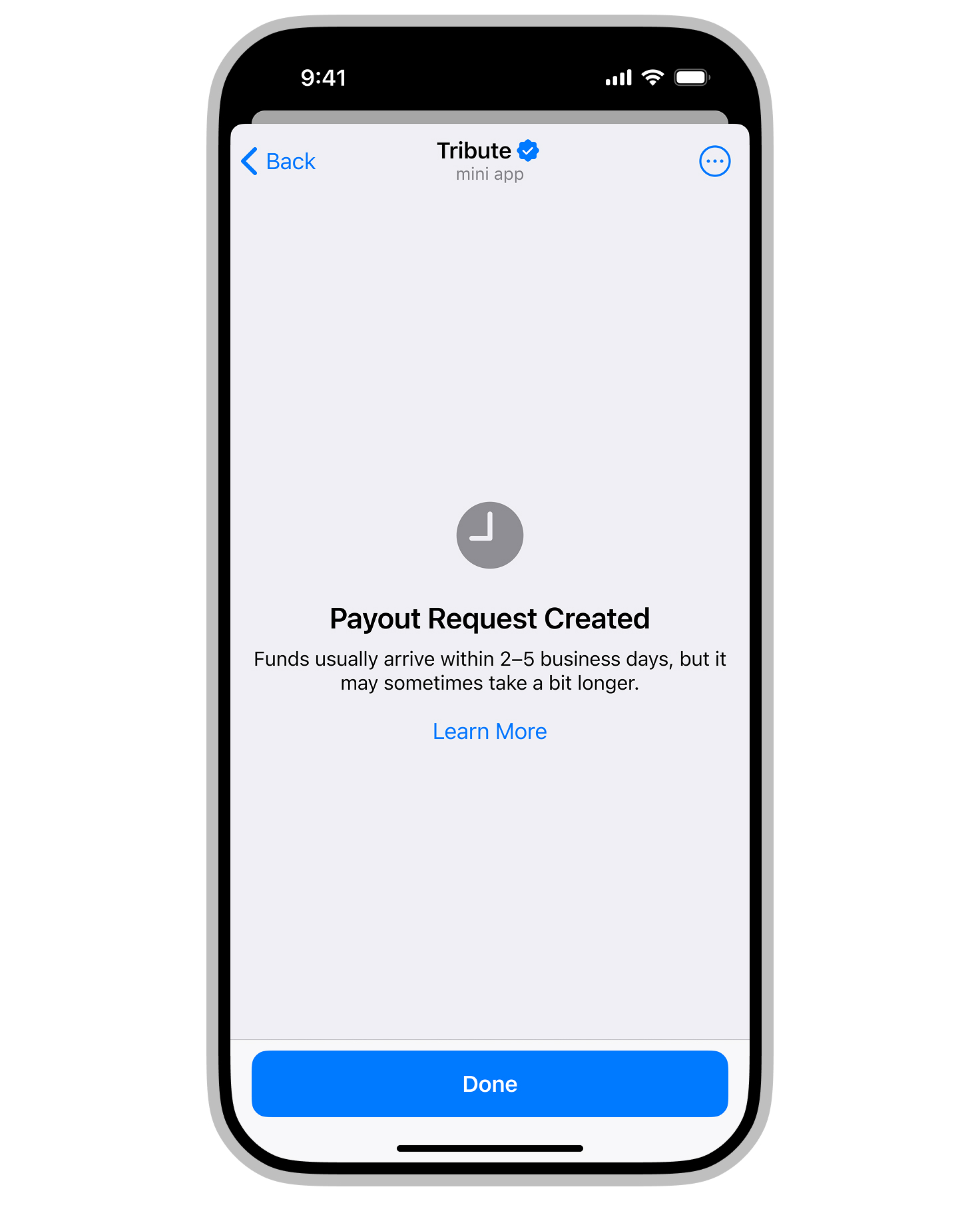
3\. **Done!**
Your funds will arrive within 2 to 5 business days.
{% hint style="warning" %}
Once you switch to on-demand payouts, automatic payouts will stop.
{% endhint %}
You can switch between automatic and on-demand payout methods at any time.
\
\